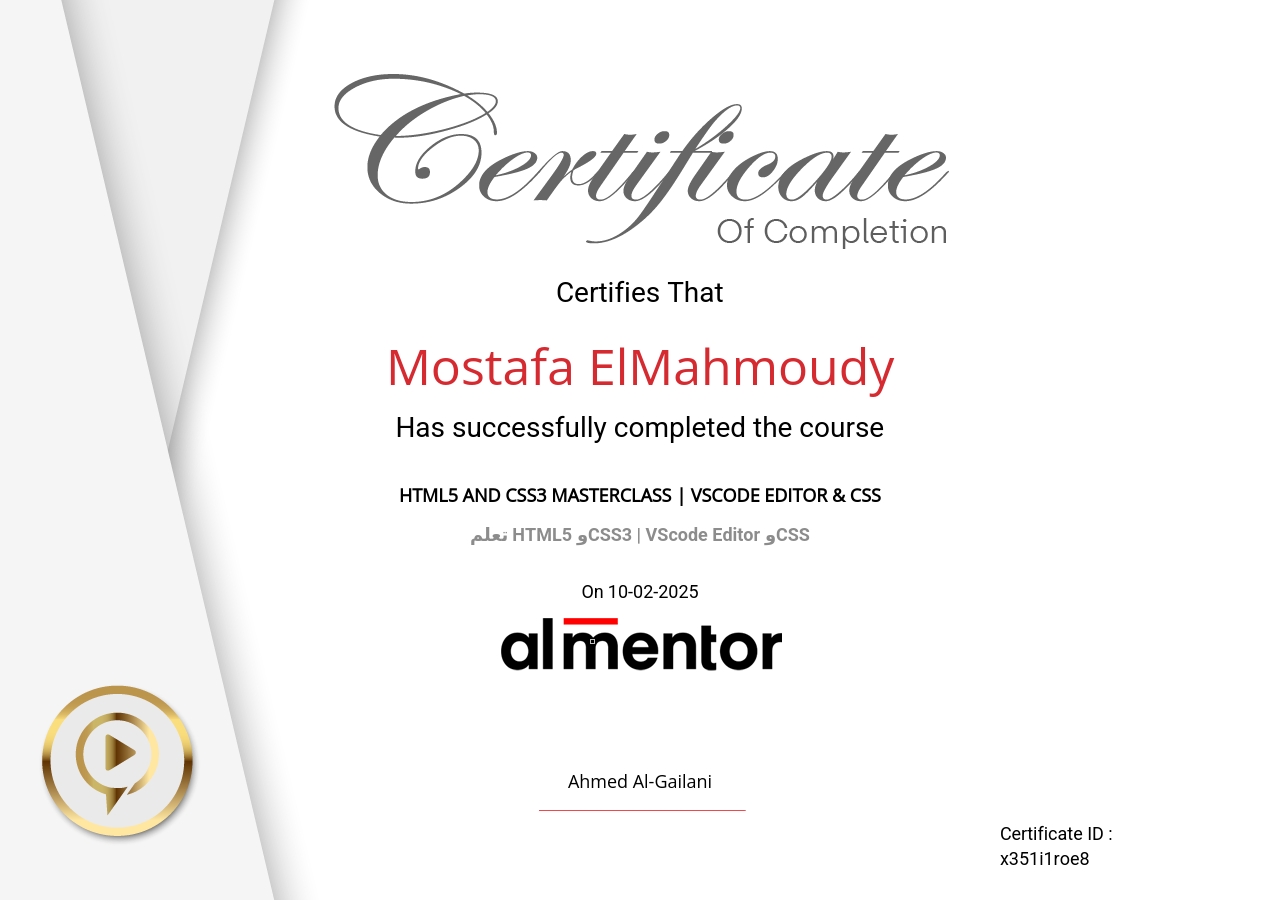

HTML5 and CSS3 Masterclass | VScode Editor & CSS
Learn to master VScode Editor and CSS in this practical course designed to enhance your web design and development skills.
Start with setting up VScode and Live Server for real-time project previews.
Connect HTML to CSS and explore CSS basics, including colors, padding, margins, backgrounds, and borders.
Tackle hands-on challenges to strengthen your understanding, learn CSS variables, and add creative gradients to your designs.
Dive into advanced positioning techniques for flexible layouts like Fixed, Sticky, relative, and absolute positioning.
Apply your skills in a real-world project by designing a complete shopping cart, combining all concepts learned.
By the end, you'll efficiently use VScode Editor and create visually appealing, responsive websites with CSS.
Join now to build professional designs and start your journey in web development!